Generate Images from Text
Turn an idea, prompt, or product concept into a new image in seconds.
Create images from text, edit existing photos, upscale fine details, and transform styles with GPT Image 2 — all in your browser and free to start.
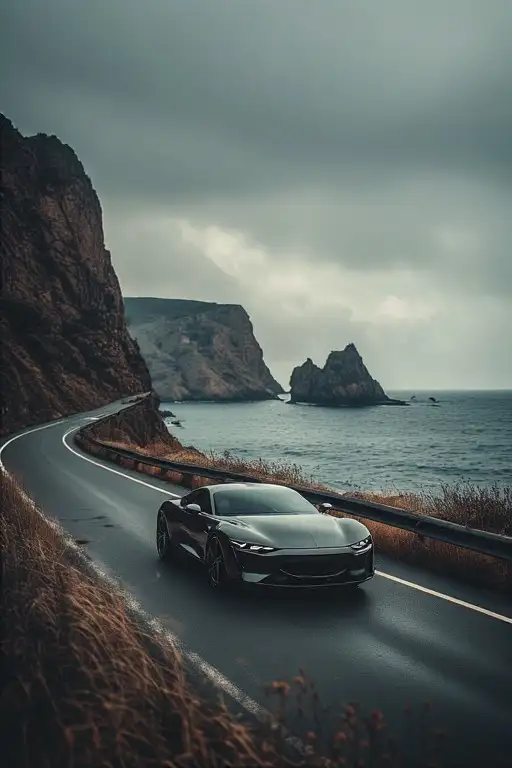
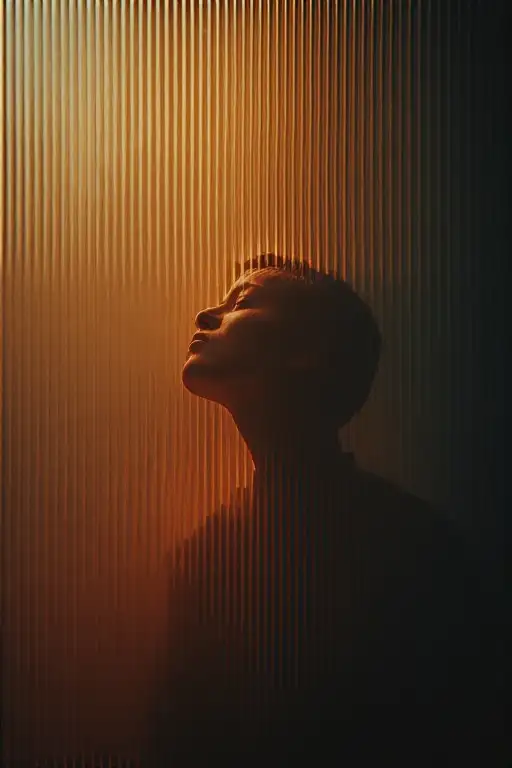
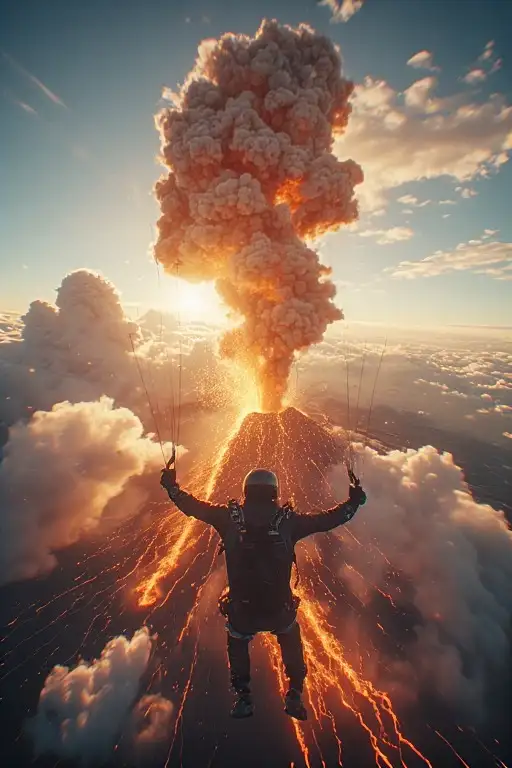
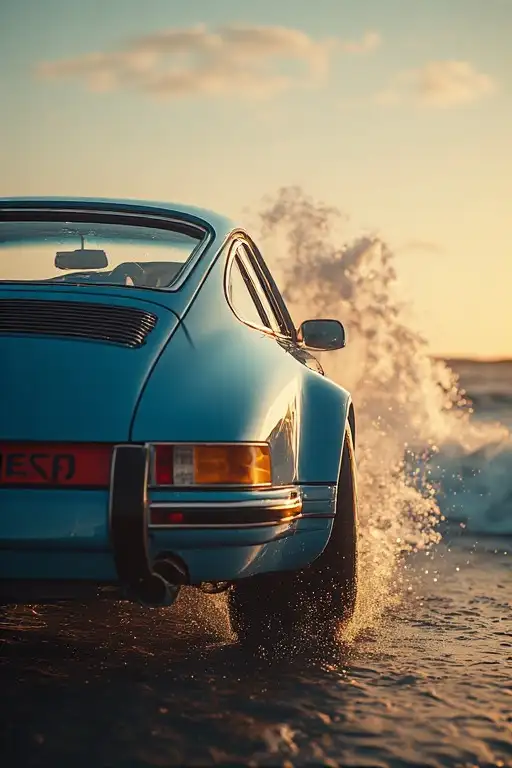
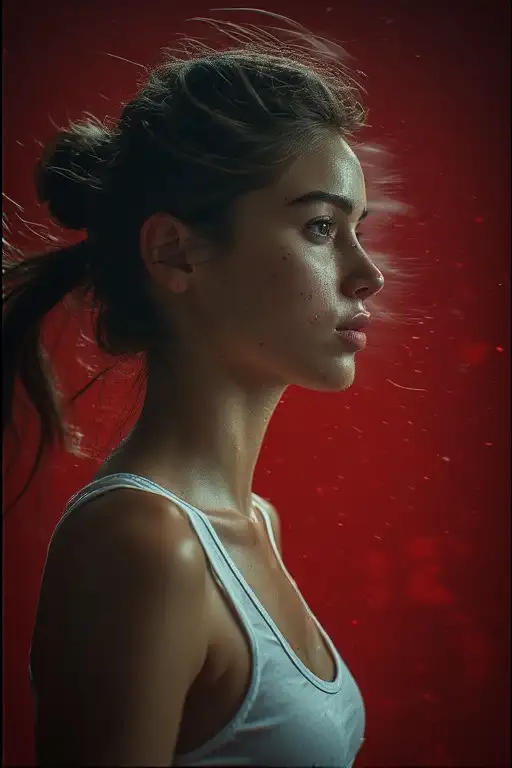
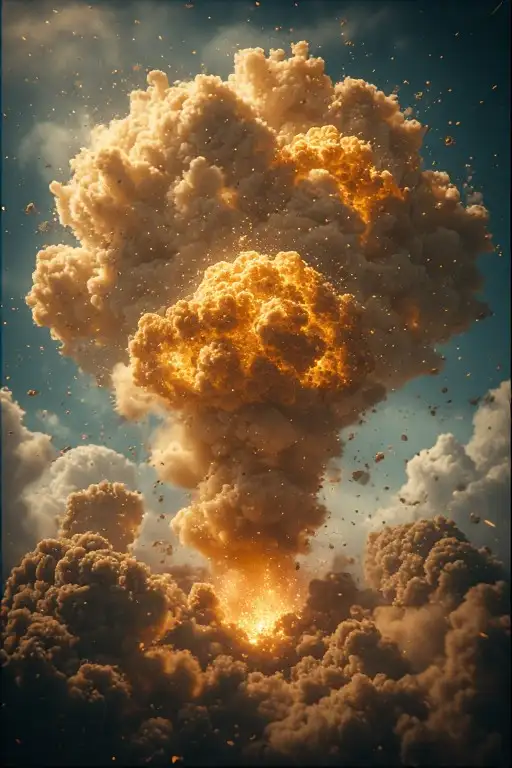
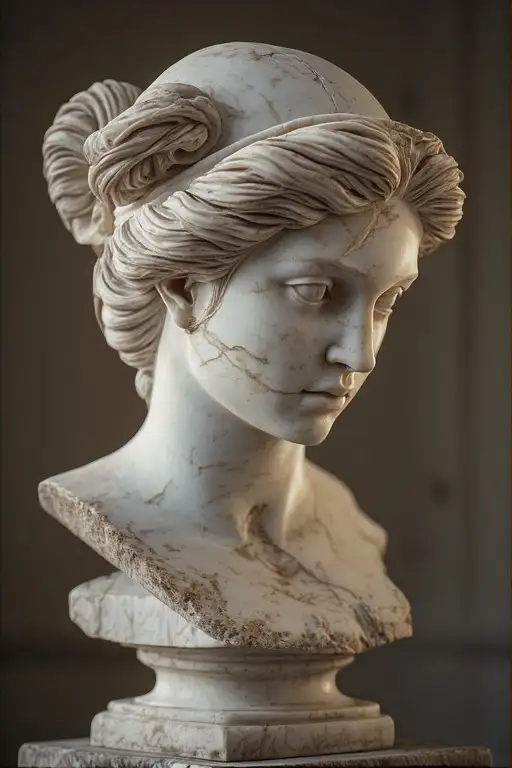
Start in seconds with no complicated setup.
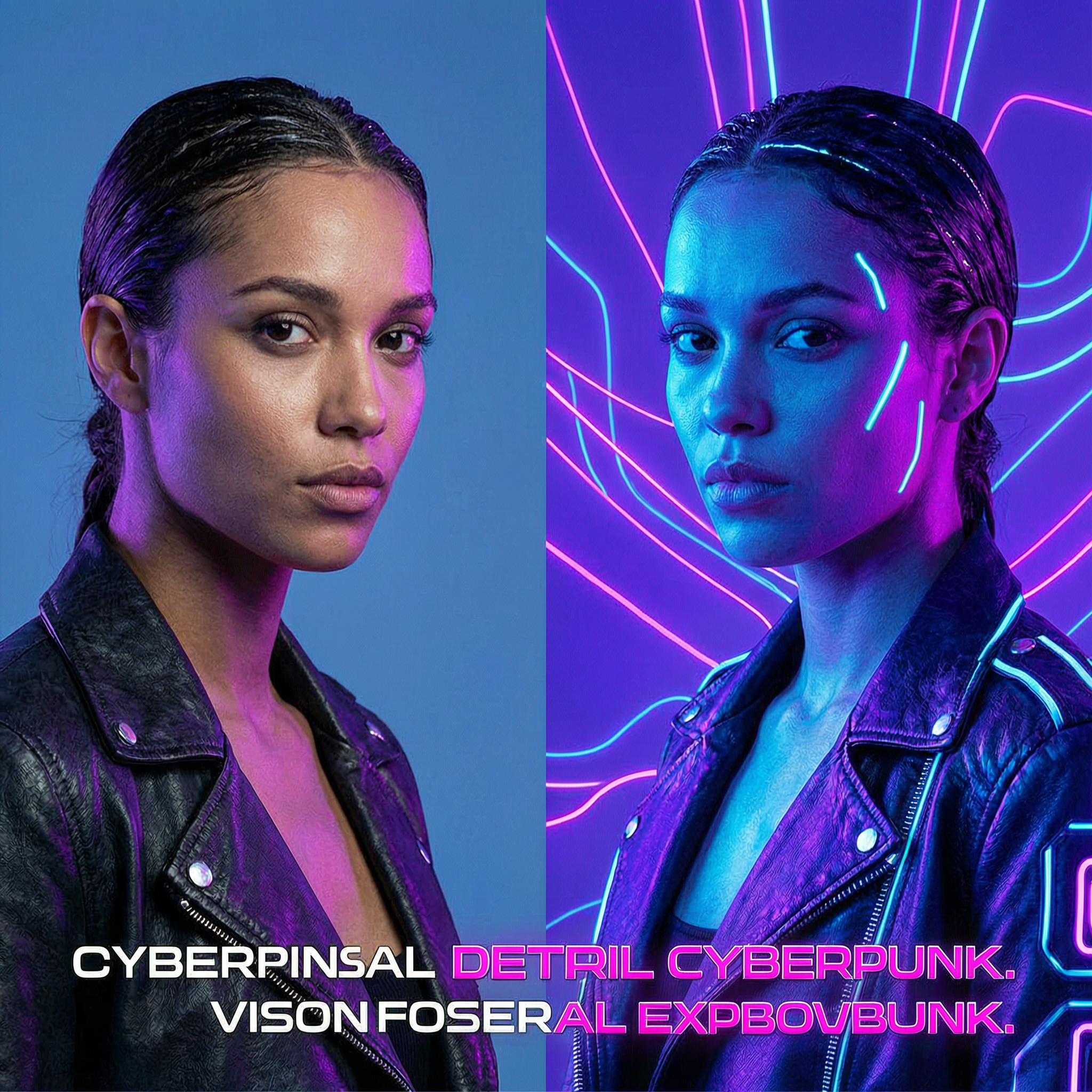
GPT Image 2 is an AI image workflow for creating and editing visuals from simple prompts. You can generate images from text, improve existing photos, restyle images, and prepare assets for social posts, product pages, ads, and creative projects.<br/><br/>This page gives you a fast way to try the core workflows online, then jump into the right tool for your task.
Turn an idea into new visuals in seconds.
Update existing photos without manual design work.
Upscale detail for cleaner website and social assets.
Keep structure while changing mood, style, or scene.
Explore five high-intent GPT Image 2 workflows built for marketing teams, ecommerce brands, creators, and startups. Each scenario highlights a practical long-tail use case such as product ads, logo generation, headshots, banners, and blog cover images.
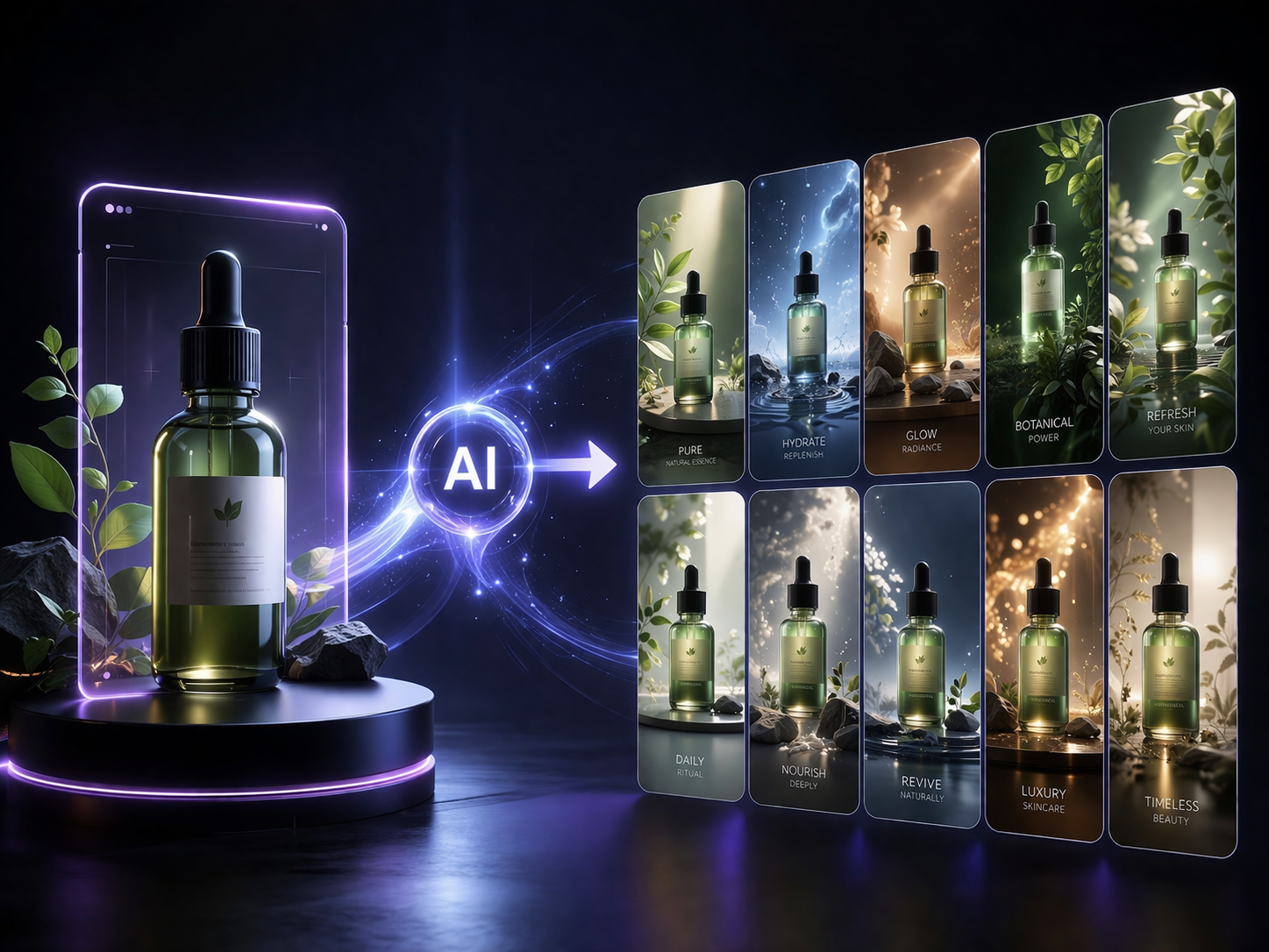
Upload a product photo and let GPT Image 2 create multiple AI product ads, ecommerce marketing images, and social media creatives for fast campaign production.
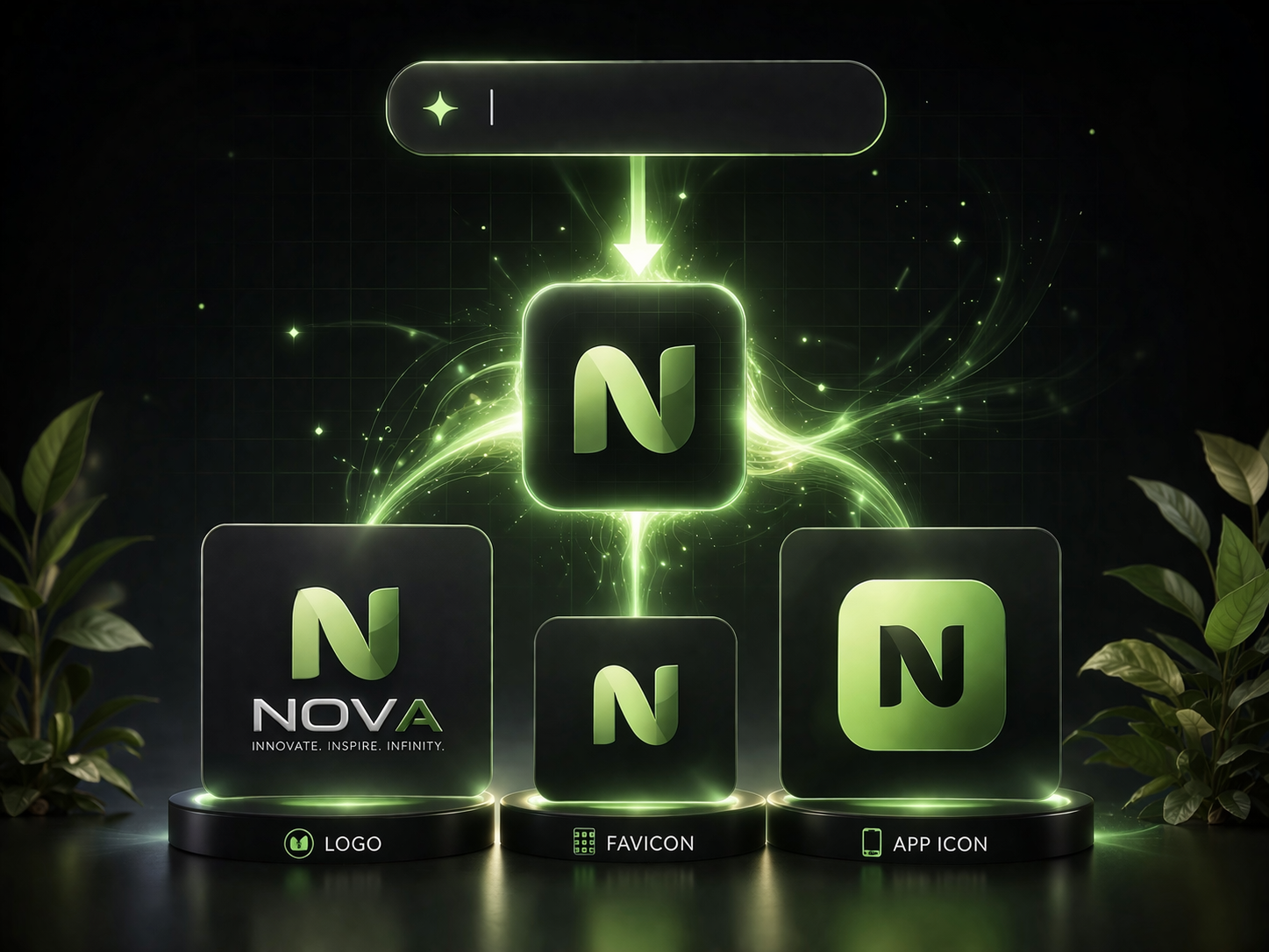
Enter a brand name and use GPT Image 2 to generate AI logos, website favicons, and mobile app icons for startups, SaaS products, and personal brands.
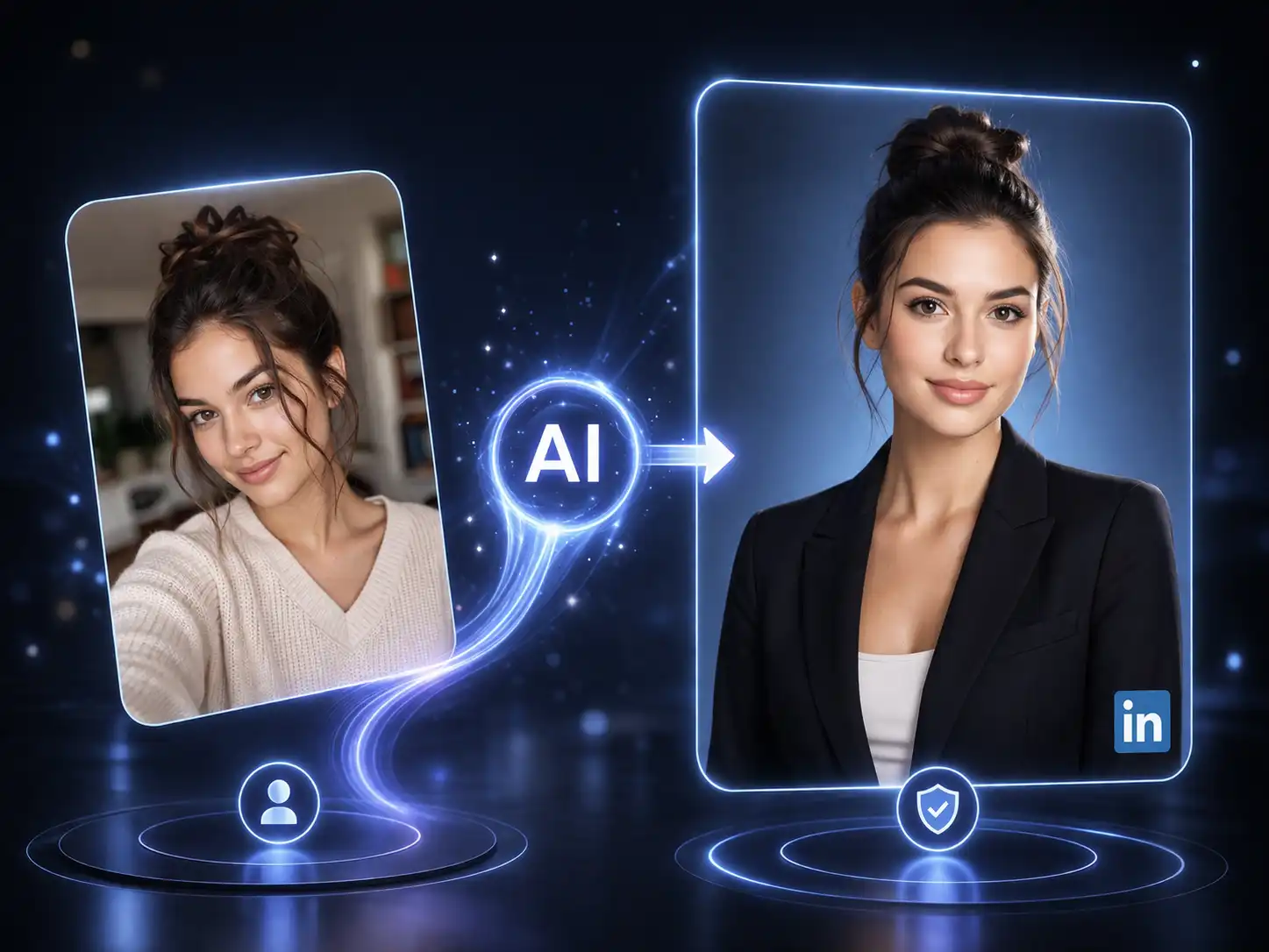
Upload a selfie and generate a polished LinkedIn headshot, resume photo, or corporate portrait with GPT Image 2 in a cleaner studio-style look.
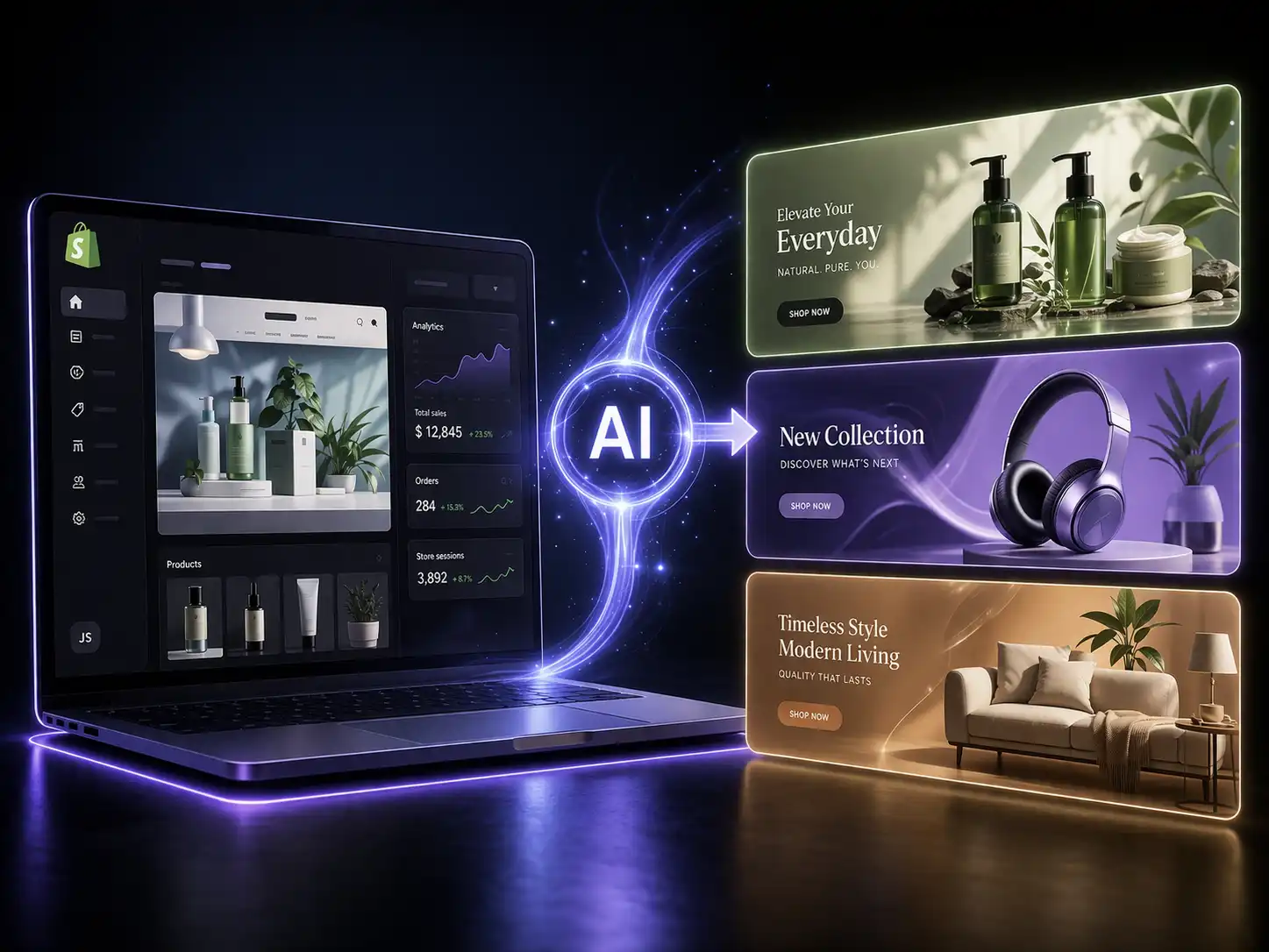
Design high-converting Shopify banners, Etsy shop covers, and Amazon storefront graphics with GPT Image 2 for promotions and ecommerce hero sections.
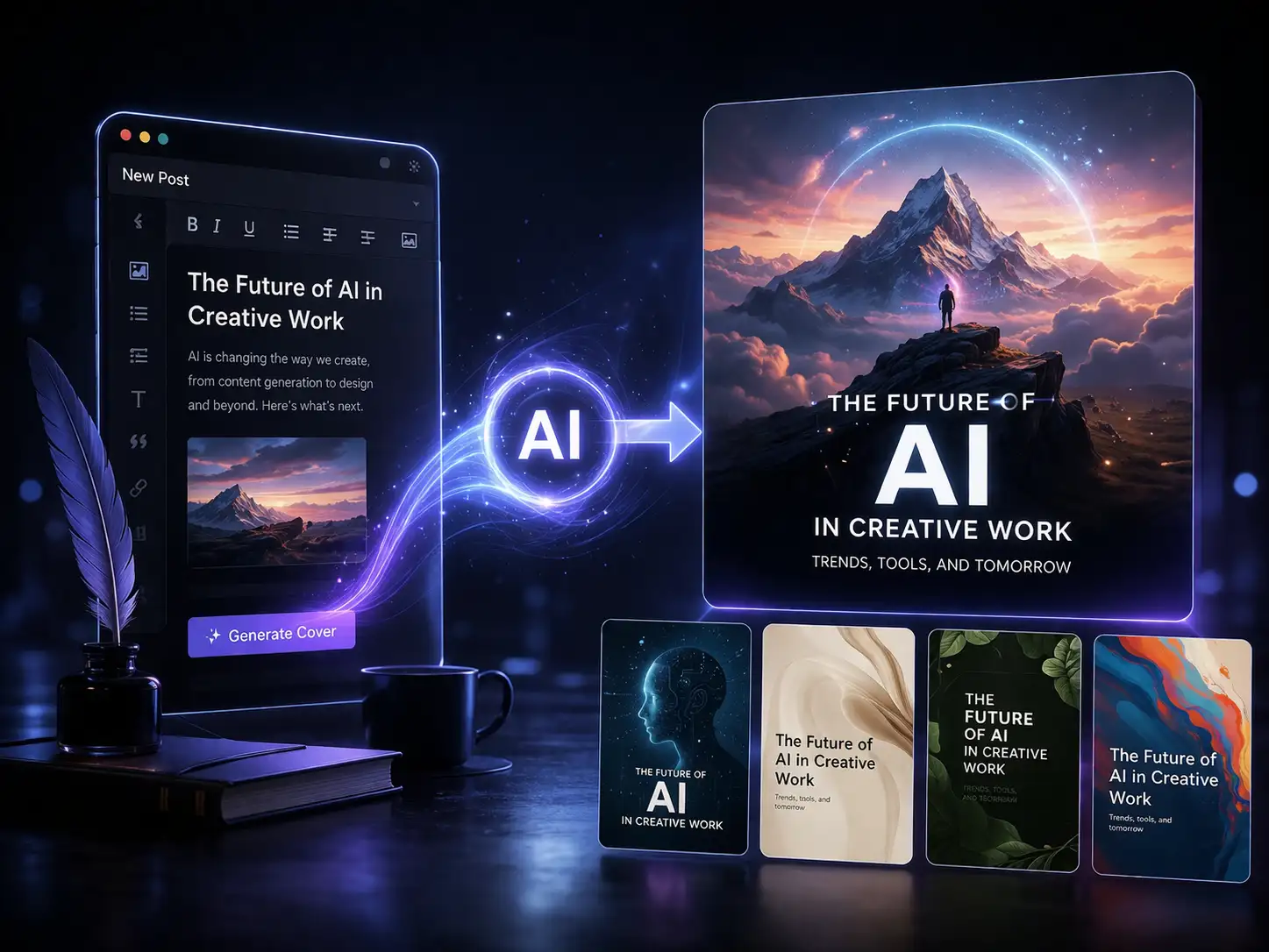
Turn article ideas or titles into blog cover images, featured visuals, and thumbnails with GPT Image 2 for bloggers, content teams, and publishers.
Start with the workflow that matches your task, then refine results with follow-up prompts.
Turn an idea, prompt, or product concept into a new image in seconds.
Upload an image and change the background, style, lighting, or composition.
Increase clarity and recover detail for sharper visuals.
Keep the structure of a photo while changing style, mood, outfit, or scene.
GPT Image 2 makes more sense here because the page is organized around real tasks, not generic model browsing.
Instead of forcing visitors through one crowded surface, image2ai separates GPT Image 2 into clear workflows for text to image, editing, upscaling, and image to image. That makes GPT Image 2 easier to compare with GPT Image 1.5 and Banana 2 in terms of output quality, workflow clarity, and publish-ready usefulness.
Clearer task paths
Choose the right GPT Image 2 workflow faster instead of sorting through one mixed interface.
Stronger commercial fit
GPT Image 2 is framed for ecommerce, ads, social assets, and content production rather than only exploration.
Faster to usable output
The goal is not just image generation. The goal is getting from prompt to publish-ready asset with less friction.
| Decision lens | GPT Image 2 | GPT Image 1.5 | Banana 2 |
|---|---|---|---|
| Use case | ★★★★★ Focused workflow Create, edit, upscale, vary | ★★★★★ Legacy baseline Lighter prompt tests | ★★★★★ Open exploration Best for broad ideation |
| Prompt control | ★★★★★ High prompt accuracy Better for structured briefs | ★★★★★ Basic control Okay for simpler asks | ★★★★★ Loose control More exploratory than precise |
| Workflow clarity | ★★★★★ Clear task paths Fast entry by job type | ★★★★★ Usable path Less modern and direct | ★★★★★ Flexible flow Less task-specific |
| Publish readiness | ★★★★★ Launch-ready output Less cleanup before shipping | ★★★★★ Pre-launch testing Not ideal for final assets | ★★★★★ Idea-stage output Needs more filtering |
| Team fit | ★★★★★ Best for teams Speed, clarity, repeatability | ★★★★★ Benchmark only Useful for comparison | ★★★★★ Explorer fit Better for open-ended use |
Quick answers before you start using GPT Image 2 on image2ai.
Choose a generator, editor, upscaler, or image-to-image workflow and start creating in minutes.
How It Works
How to Use GPT Image 2 for Production-Ready Images
Follow a simple three-step workflow to move from idea to polished image output with GPT Image 2.
Choose
Start with the right workflow
Pick text to image, image editing, image upscaling, or image to image based on the asset you need to create and the result you want to ship.
Guide
Add prompts and reference images
Write a clear prompt, upload a product photo or up to 14 reference images, and steer style, layout, branding, and subject details before generating.
Refine
Generate, refine, and export
Compare outputs, refine with follow-up prompts, and tighten composition, background, copy space, and style until the image is ready to publish.